
Vlogg Your Adventure With A GoPro
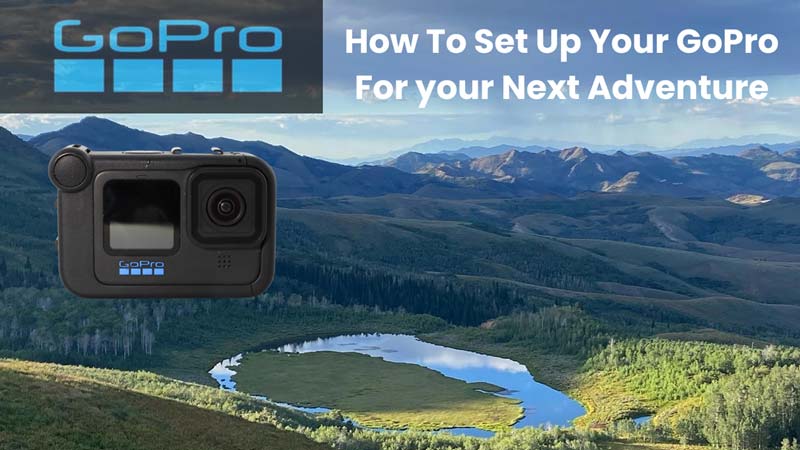
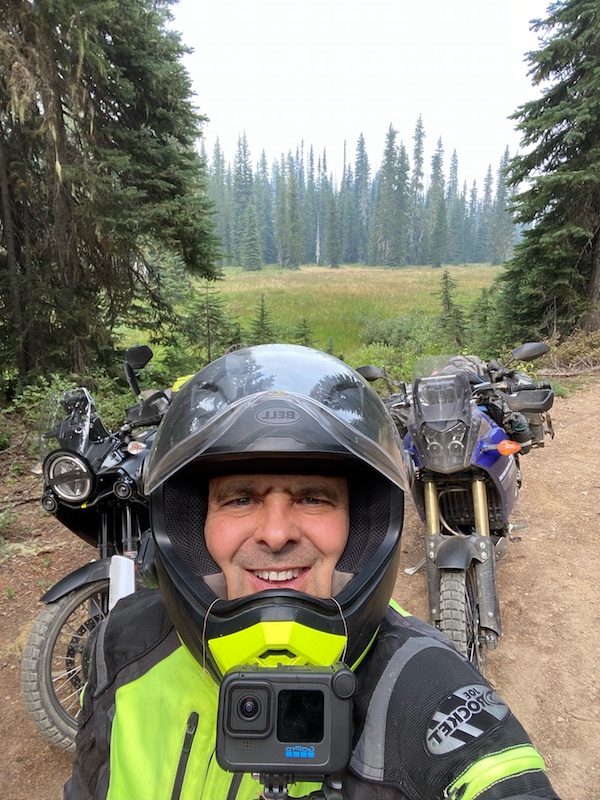
With summer adventure riding season right around the corner, we wanted to share how we set up our GoPro Hero 10 Black for the Idaho Backcountry Discovery Route (BDR).
If you’re planning a BDR ride or any long motorcycle trip, you’ve probably spent some time wondering how to capture your adventure without dealing with cameras shutting down, dead batteries, or bad audio. We went through that same research process, and after plenty of testing we landed on a setup that worked extremely well.
Our goal with this guide is simple: save you time researching gear and avoid ordering delays so you can get out on the trail with a vlogging setup you can count on.
Below is the equipment we used, why we chose it, and a few things we learned that might save you some headaches.
Our GoPro Hero 10 Idaho BDR Equipment List
Here’s the core setup we used for filming the Idaho BDR.
Camera
Camera Accessories
Helmet Setup
- Bell MX-9 Adventure helmet
- ChinMounts.com helmet chin mount
Audio
Power and Storage
- 25,800 mAh portable power banks
- Battery Tender quick-disconnect USB adapter
- SanDisk 256GB microSD cards (GoPro recommended versions)
Cables
Now let’s talk about why each piece of gear made the list.
Why We Chose the GoPro Hero 10 Black
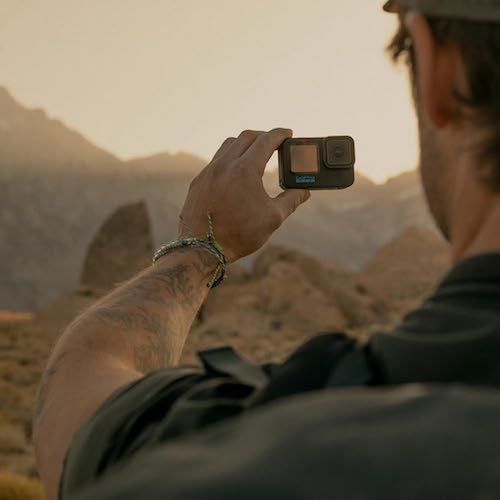
There are a lot of action cameras on the market now, including newer GoPro models like the GoPro Hero 13 Black and several competing brands. After hours of research and watching countless YouTube reviews, one thing became clear: every camera model and brand has tradeoffs.
Rather than chase every possible comparison, we decided to go with the newest GoPro available at the time, the GoPro Hero 10 Black, and build our system around it.
One recommendation: Buy your GoPro directly from GoPro’s website with the GoPro subscription. When we compared prices, GoPro.com often had the best deal, and the subscription includes a no-questions-asked camera replacement if you damage it. For adventure videos, remember that these cameras get hammered with shock, dust, mud, rain and more, so that peace of mind is worth it. Yes we have used this replacement process and it works very well.
Real-World Performance on the Idaho BDR
After all the worrying and “what ifs,” the GoPro Hero 10 performed excellent on the Idaho BDR.
Mounted on a helmet chin mount with external power, we were able to:
- Record all day
- Use a 256GB SD card without issues
- Avoid random shutdowns
- Turn the camera on and simply forget about it
That reliability is exactly what you want when you’re riding long days on the trail.
However, a lot of that performance depends on how the camera is mounted and powered, which leads to the next important point.
External Power Solves Two GoPro Issues
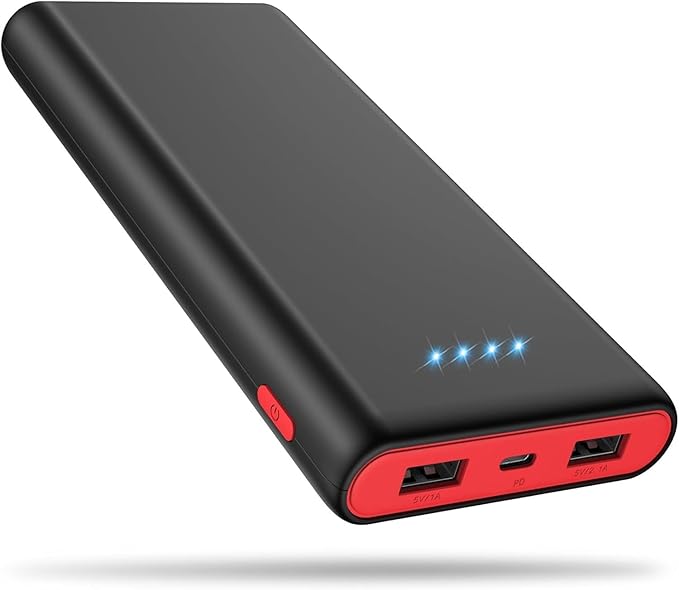
If you’ve used a GoPro before, you probably know the internal battery doesn’t last long, especially when recording in 4K.
Using an external battery bank solves that problem. But there’s another benefit.
Many people report that the GoPro Hero 10 overheats during recordings. WizzWare has experience this and fount out that it happens when the internal battery is doing all the work. It is the battery heat, not the camera. So running the camera with external power source greatly reduces this issue, allowing it to record for long periods without shutting down.
If the external battery is unplugged, however, the camera will eventually heat up and shut off.
WizzWare tip: Most GoPro owners find out the hard way that a fully charged internal GoPro battery will cause your external battery bank to go to sleep. Once that happens your GoPro will drain its internal battery and shut down unexpectedly. The solutions is to keep your internal GoPro battery at around 10% so your GoPro draws power from the external battery bank and powers the GoPro all day.
Notes About GoPro Video Files
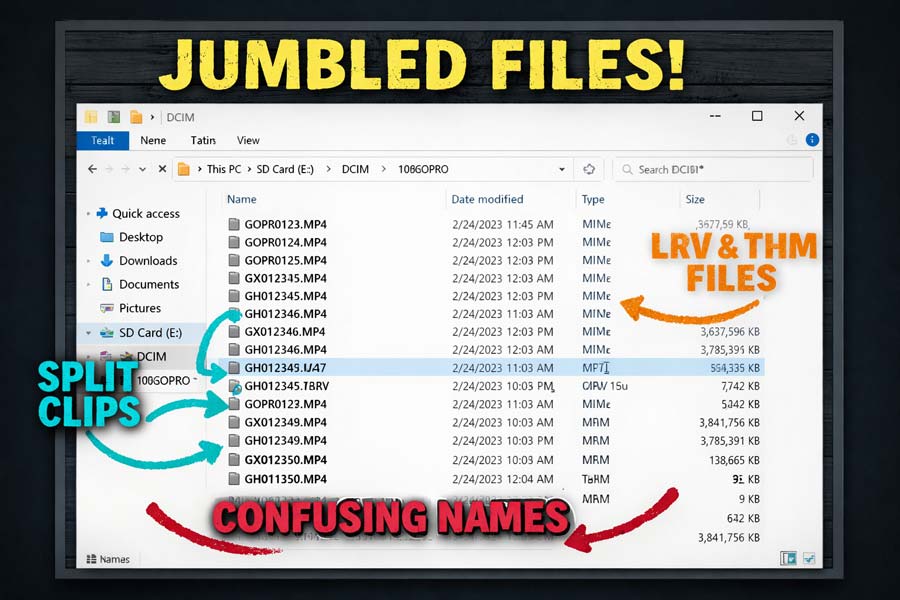
GoPro File Issues:
- Newer HEVC Format
- Split File System
- Huge Amounts of Data
- 5K Incompatibility
The Hero 10 Black and the newer GoPro’s record using a newer HEVC video format .
If you’re using a basic computer, your system might struggle to play the files directly from the SD card. In that case you may need to update your editing software. Here are some options:
- Download VLC it is Free: Download VLC Now
- Download HEVC Extension From Microsoft Store: .99 cents
- Get a compatible media player for your TV: Media Player
GoPro file naming is also an issue that you may be unfamiliar with. The GoPro Hero 10 Black and newer models like the GoPro Hero 13 Black splits files into chapters. This means that every 3.7 GB you will have a new video in the file. The GoPro chaptered video system gets even more complicated because the chapter naming is not friendly to ordered playback. You will not be able to put the GoPro video card into your computer and have ordered playback. However, WizzWare has developed several solutions for GoPro ordered playback. WizzWare OneReel for GoPro Videos Trapped on Your Memory Card
Why the GoPro Media Mod Is Essential
The GoPro Media Mod is a necessary part of this setup.
The Media Mod solves problems:
- It Has a 3.5mm mic input
- Allows external USB-C power
- Adds protection around ports
- Only water resistant – get the GoPro Subscription
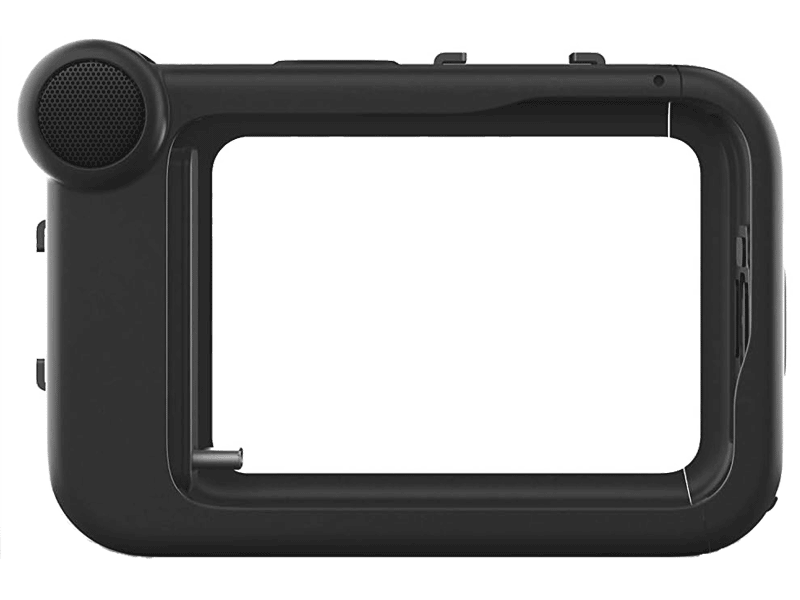
Older GoPro cameras had a cumbersome waterproof enclosure, but that design made it impossible to plug in external microphones and power cables.
The Hero 10 Black is waterproof, but it does not include a microphone input so you will need the Media Mod. The Media Mod is NOT waterproof, although we have had it in rainy situations. Our recommendation is to get the GoPro Subscription and don’t worry about it.
For motorcycle vlogging or any adventure you need to attach an external mic and battery, the Media Mod is required.
Helmet Setup and Chin Mount For GoPro
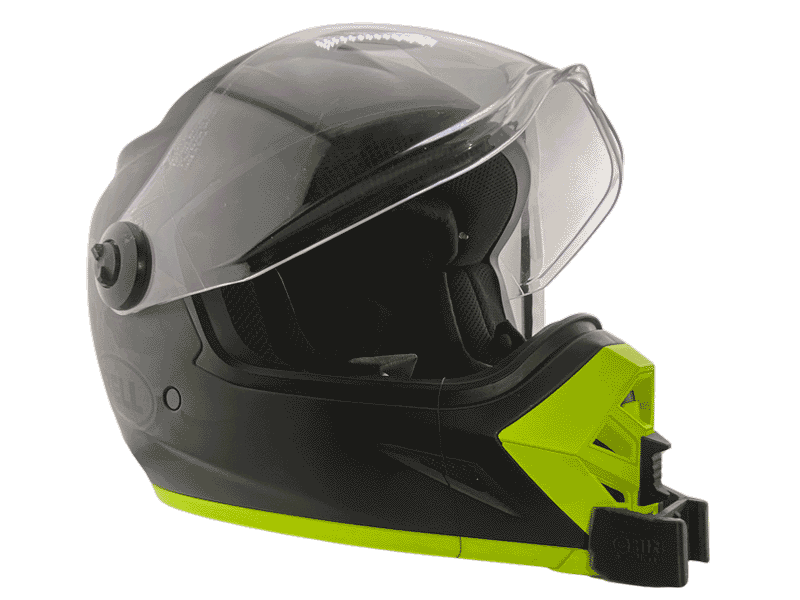
For our helmet, we chose:
The Bell MX-9 Adventure.
If you already have a helmet you like, you don’t necessarily need a new one. This was simply part of a fresh setup for us.
The important part is the chin mount.
Companies like ChinMounts.com now make helmet-specific mounts using 3D printing. These mounts fit the shape of your helmet and work around the venting system.
In our case, we selected the Bell MX-9 Adventure because a chin mount was readily available.
Installation is straightforward, but it’s always a good idea to use a safety tether just in case.
GoPro Helmet Front Mount
The GoPro Helmet Front Mount connects the camera to the chin mount. Do not get this confused with the chin mount, they are different.
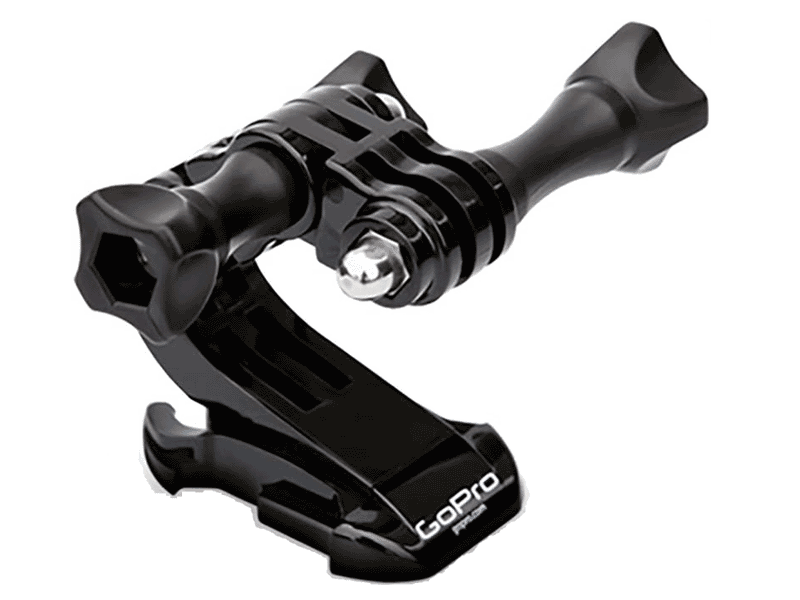
The mount includes adjustable arms that allow you to angle the camera exactly where you want it. Tilting the camera slightly back instead of pointing it straight forward gave us a better view of the trail ahead.
There are cheaper off-brand versions available, but many reviews mention issues with looseness or breakage. For a piece of gear holding your camera on the trail, the official GoPro mount felt like money well spent.
Choosing the GoPro External Microphone
Finding the right microphone for the GoPro Hero 10 Black can be surprisingly tricky.
We ended up using the Drift Ghost 3.5mm external microphone.
Although it was designed for a different camera brand, the specs worked perfectly and the microphone performed very well.
On the highway there was some wind noise at higher speeds, but on the trail it sounded excellent with the visor up or down.
One thing to watch for when buying microphones is the connector type.
- If the plug has two black rings, it usually works directly.
- If it has three black rings, you will need an adapter, which adds 2 extra failure points, and is bulky. Do not use this set up, audio is very important and silent videos haunt many vloggers.
* We learned about the adapter the hard way when trying the Purple Panda microphone, which required an adapter and did not work reliably with the GoPro AT ALL. Stay away from this option.
The Drift Ghost microphone was simple and dependable. We use it on all our helmet setups now.
Helmet Notes – Bell MX-9 Adventure
The Bell MX-9 Adventure turned out to be a solid mid-range helmet choice. It’s:
- DOT rated
- Equipped with the MIPS safety system
- Well ventilated
One thing we noticed is that the helmet was a bit loud at freeway speeds. Removing the sun visor made it noticeably quieter and more comfortable on longer rides.
The helmet also has plenty of internal space for microphone placement, which is helpful for vlogging.
GoPro Recording Time For a 256 GB Card
The GoPro Hero 10 supports microSD cards up to 512GB, but we prefer using 256GB cards.
That way, if a card is damaged or lost, you don’t lose as much footage.
At typical 4K recording setting at 30fps, a 256GB card can record all day and into the next, making it a good rule of thumb to bring one card per day of your trip. However if you want to bump up the footage quality we suggest 4K at 60fps. You will get a little less than 8 hours
Before leaving, test your cards and store them in a protective case to keep them clean and dry.
A quick note about the 5k and 5.3K recording resolution. Remember that media players and computers may not properly play these formats, so test them on your devices. If the recording has playback issues, use the 4K selection instead.
WizzWare OneReel is a solution to the GoPro 5k and 5.3k playback issues.
Power Setup for All-Day Recording
For external power we used 25,800 mAh portable battery banks.
One battery easily powered the GoPro all day with normal start-and-stop recording.
We intentionally chose a battery with micro-USB charging instead of faster USB-C charging. Slower charging puts less demand on the motorcycle’s electrical system, which can be helpful on modern bikes that already run a lot of electronics.
Our system was simple:
- One battery powers the GoPro
- A second battery charges while riding
Using a Battery Tender quick-disconnect USB adapter, we were able to charge spare batteries under the seat while the bike was running.
Charging Tip for BDR Trips
Charging becomes a limited resource on backcountry trips, so before your ride, practice your charging routine.
Charge heavier devices like power banks while riding, and charge lighter items like phones and satellite communicators overnight.
We found that leftover power in the GoPro battery bank could re-charge our phone and satellite communicator at night.
Final Thoughts on the GoPro Hero 10 Black Idaho BDR Setup
Overall, this setup proved to be very dependable on the Idaho BDR.
Once everything was dialed in, we had complete confidence that the camera was capturing both video and audio throughout the day.
Before your trip, it is very important to do a few test rides so you get comfortable starting and stopping recordings and dial in your mic. After that, the system becomes almost automatic.
With a little preparation, this setup can capture your adventure with minimal effort so you can focus on what matters most, enjoying the ride.
Hopefully this guide helps you build a reliable motorcycle vlogging setup for your adventure.
And if you see us out on the trail someday, be sure to say hello.